Your Church Wi-Fi Is a Safeguarding Issue
Guest networks, camera feeds and children’s check-in should never share a switch. A practical remediation plan.
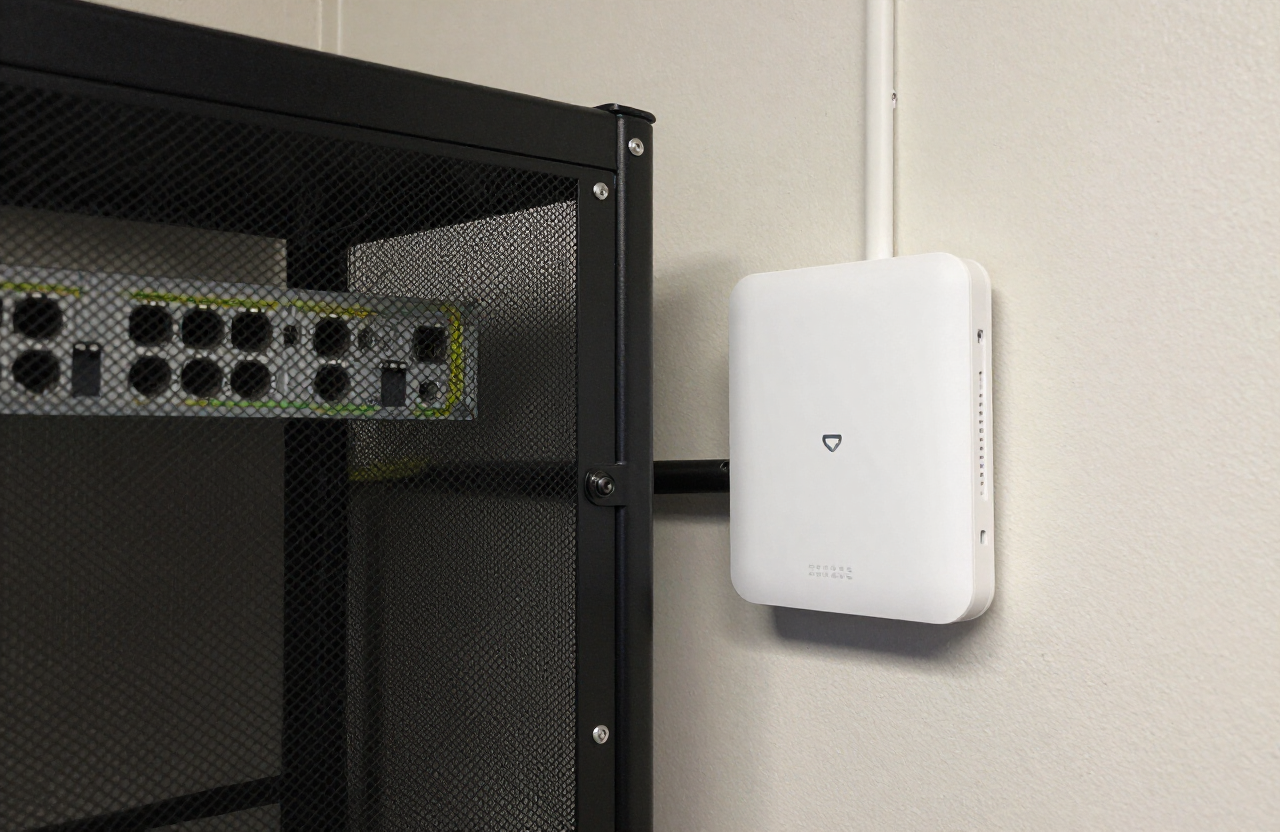
We visited nine congregations and found the same pattern in seven of them: one flat network carrying guest phones, security cameras, the check-in kiosks and the finance workstation. That is not a technology problem. It is a safeguarding problem.
The practical version of that separation is spelled out in why your guest Wi-Fi should not share a network with your donor database.
The minimum viable segmentation
- Guest — internet only, client isolation on, no access to anything internal.
- Staff — file shares, printers, finance workstation.
- Ministry devices — check-in kiosks and tablets, locked to their vendor endpoints.
- AV and cameras — isolated, high bandwidth, no internet unless required.
A weekend of work
For most buildings this is a Saturday for a competent volunteer with a gateway, two or three access points and a managed switch. Document the VLAN plan on paper and tape it inside the rack door.
The person who inherits your network in three years should be able to understand it in ten minutes.
Backups and accounts
Segmentation buys nothing if the finance login is shared. Enforce individual accounts, turn on multifactor authentication, and test a restore from backup before you need one.
Keep reading from Church Tech Mag
- UniFi U7 Pro Access PointVLAN-aware, no per-device licensing
- UniFi Cloud Gateway UltraHandles segmentation for buildings under 20,000 sq ft
As an Amazon Associate, Church Tech Mag earns from qualifying purchases. The price you pay does not change.
More in Security & IT
Church Cybersecurity Checklist: 15 Things Every Ministry Should Fix
Use this practical 15-point church cybersecurity checklist to reduce phishing, account takeover, data loss, finance fraud, unauthorized access, and technology disruption.
Why Your Church Wi-Fi Is Slow: Fixing Dead Zones, Coverage and Sunday Congestion
Church Wi-Fi slow on Sundays? Learn how to diagnose dead zones, poor access-point placement, congestion, interference, and backhaul problems without confusing speed with security.

Your Guest Wi-Fi Is Sitting on the Same Network as Your Donor Database. Here’s the Fix.
If a Sunday visitor’s phone can technically reach the same network as your giving software and staff computers, you have a segmentation problem — and it’s a lot cheaper to fix than most churches assume.